

EazSell

Logiciel caisse restaurant pour revendeur

Ce logiciel caisse restaurant pour revendeur gère commandes, modifications autorisées, paiements, reçus et clôture de caisse sans outil séparé.

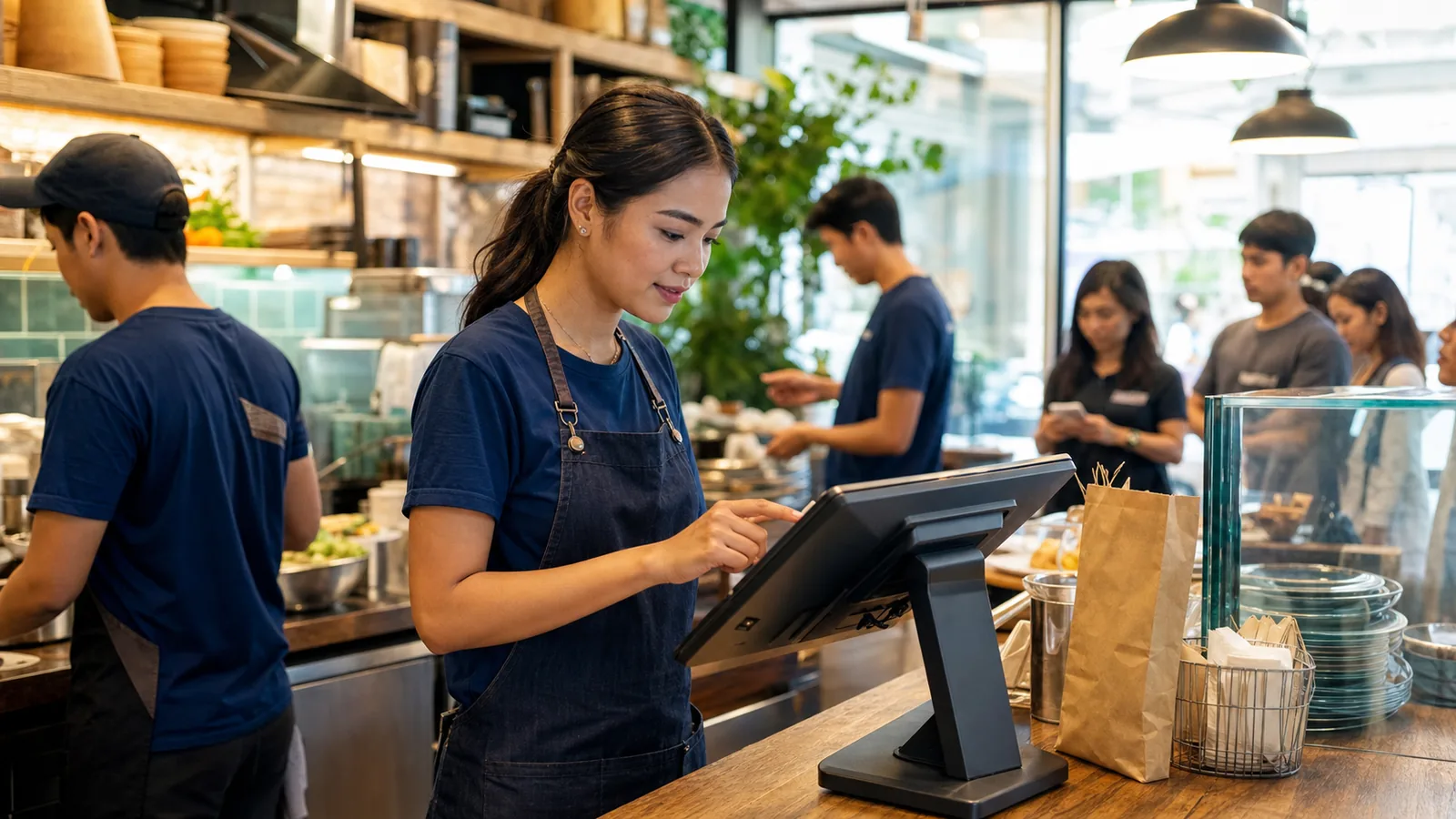
Restaurant team member entering a counter order on an Android POS during service
Restaurant server entering an order on a handheld device beside seated diners

Prêt pour le service

Keep the order moving when the counter gets busy.

Move from the menu to payment and receipt without breaking the service flow. Approved changes stay visible, and the next shift gets a clear record of cashier activity and daily sales.

Conçu pour le fonctionnement de votre secteur.

Découvrez les écrans utilisés au comptoir, dans la réserve ou lors d’une visite client.

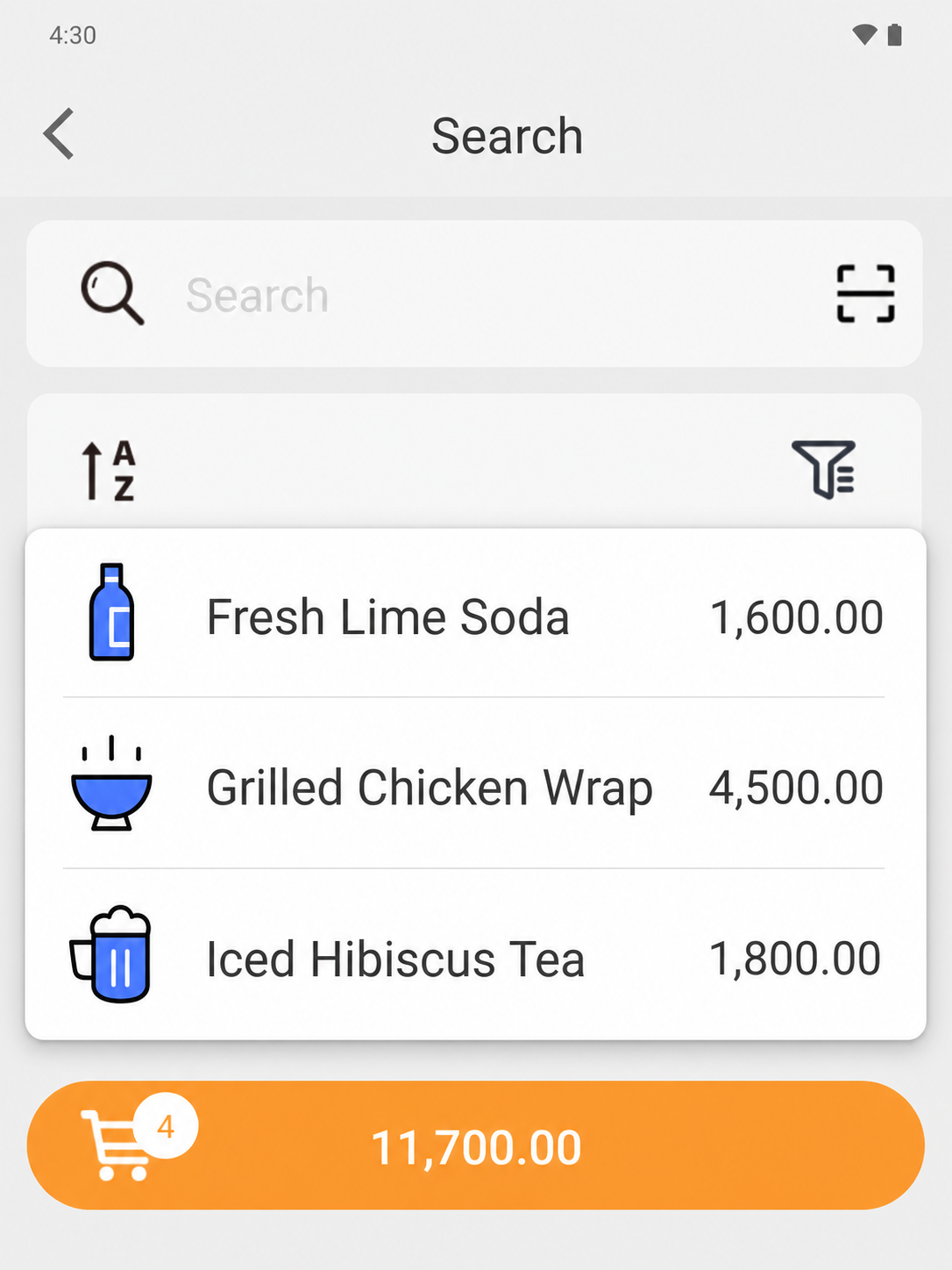
EazSell Android product search showing a fuller Fresh Kitchen menu with distinct food and drink thumbnails
01

Menu navigation

Help cashiers find menu items fast.

Group food and drinks into a familiar menu with clear names, pictures and prices. Cashiers can tell similar choices apart without opening every product record.

During a lunch rush, that familiar view helps staff turn the customer order into the right ticket quickly. It also gives new or temporary staff useful visual cues while they learn the menu.
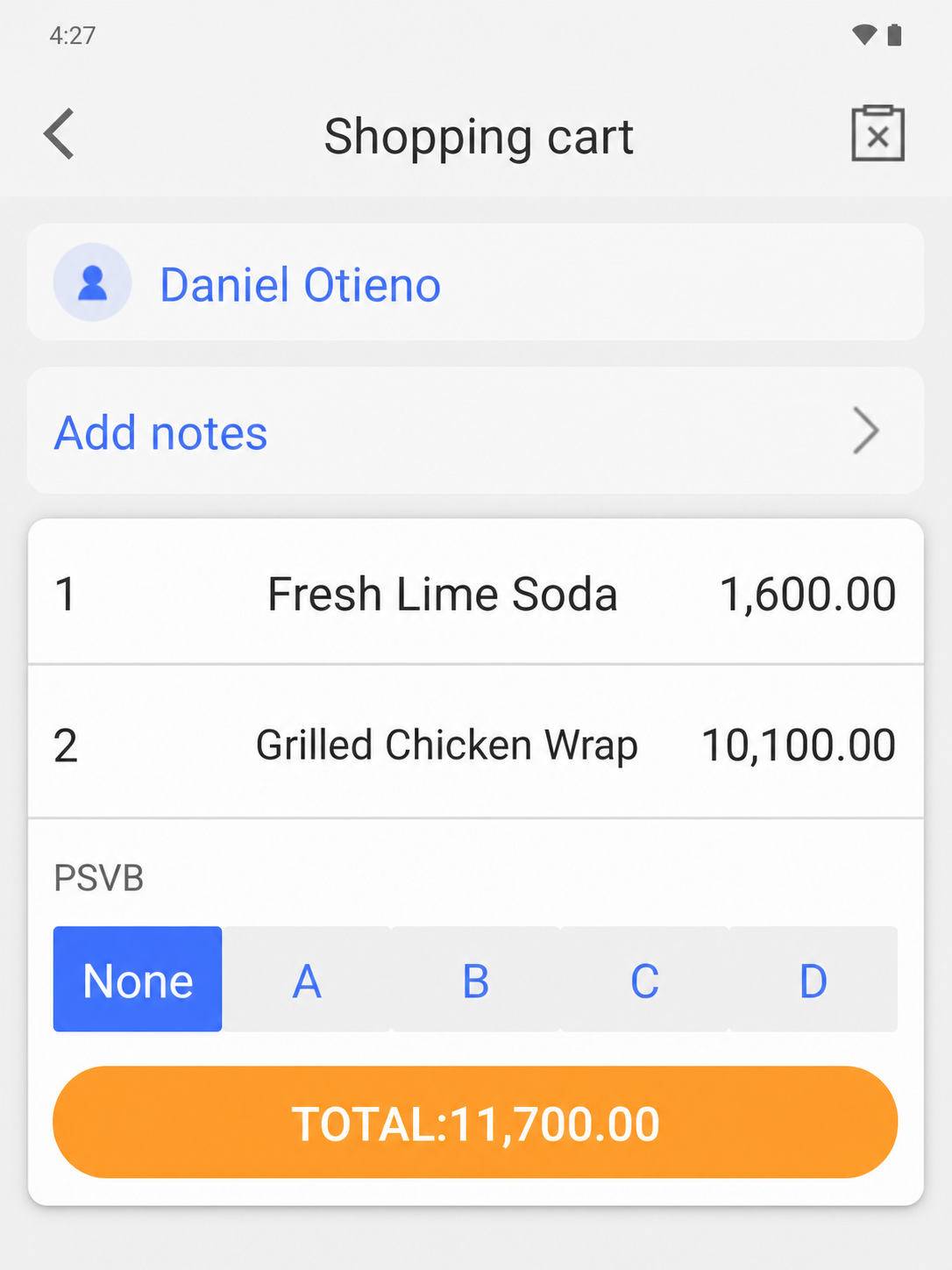
EazSell Android shopping cart without the instructional banner, showing food items, quantities and total
02

Order review

Check the order before the customer pays.

Keep item names, quantities, prices and the running total together on the basket screen. Customer details and order notes remain available before payment begins.

The cashier gets a final chance to correct a quantity, confirm a takeaway order or read the total back to the customer. It is much easier to fix a mistake while the ticket is still open.

Simplifiez les moments les plus chargés de la journée.

Réunissez caisse, contrôles de facture et données quotidiennes afin de réduire les outils et les doubles saisies.

Servir les files aux heures de pointe

Create a clear ticket, adjust menu quantities and move from order to payment with fewer handoffs at the counter.

Contrôler remises et remboursements

Keep higher-risk actions visible and apply the configured review or permission path before the receipt is finalized.

Clarifier la relève de caisse

Use cashier, payment and daily sales records as a shared basis for handover and end-of-day review.

Découvrez le parcours d’une vente dans EazSell.

L’équipe suit des étapes familières du premier article au reçu final, tandis qu’EazSell actualise les données d’activité.

  1. 1

    Create

    Add menu items and confirm quantities.

  2. 2

    Contrôler

    Apply authorized changes, discounts or refunds.

  3. 3

    Collect

    Record the configured payment method.

  4. 4

    Receipt

    Validate and print the fiscal receipt.

  5. 5

    Close

    Review the shift and daily sales summary.

Choisissez une configuration adaptée à votre équipe.

Utilisez EazSell sur un appareil Android et une imprimante compatibles avec le comptoir, l’équipe mobile et les exigences locales.

  • All-in-one Android POS with a built-in receipt printer for counter service
  • Android tablet with a Bluetooth receipt printer for a flexible service point
  • A compatible cash drawer for deployments that require cash control at the counter

Découvrez comment EazSell s’adapte à votre activité.

Expliquez-nous comment votre équipe vend aujourd’hui. Nous vous montrerons les options d’encaissement, de facturation, de mode hors ligne et de matériel pertinentes.

Demander une démo partenaire