
01
Sales
See transactions, invoices, totals and sales history from your connected devices.
Lk2Biz · Link to Business
Lk2Biz brings sales, products, stock and customer information from connected devices into a shared web dashboard that is easy to check and share.
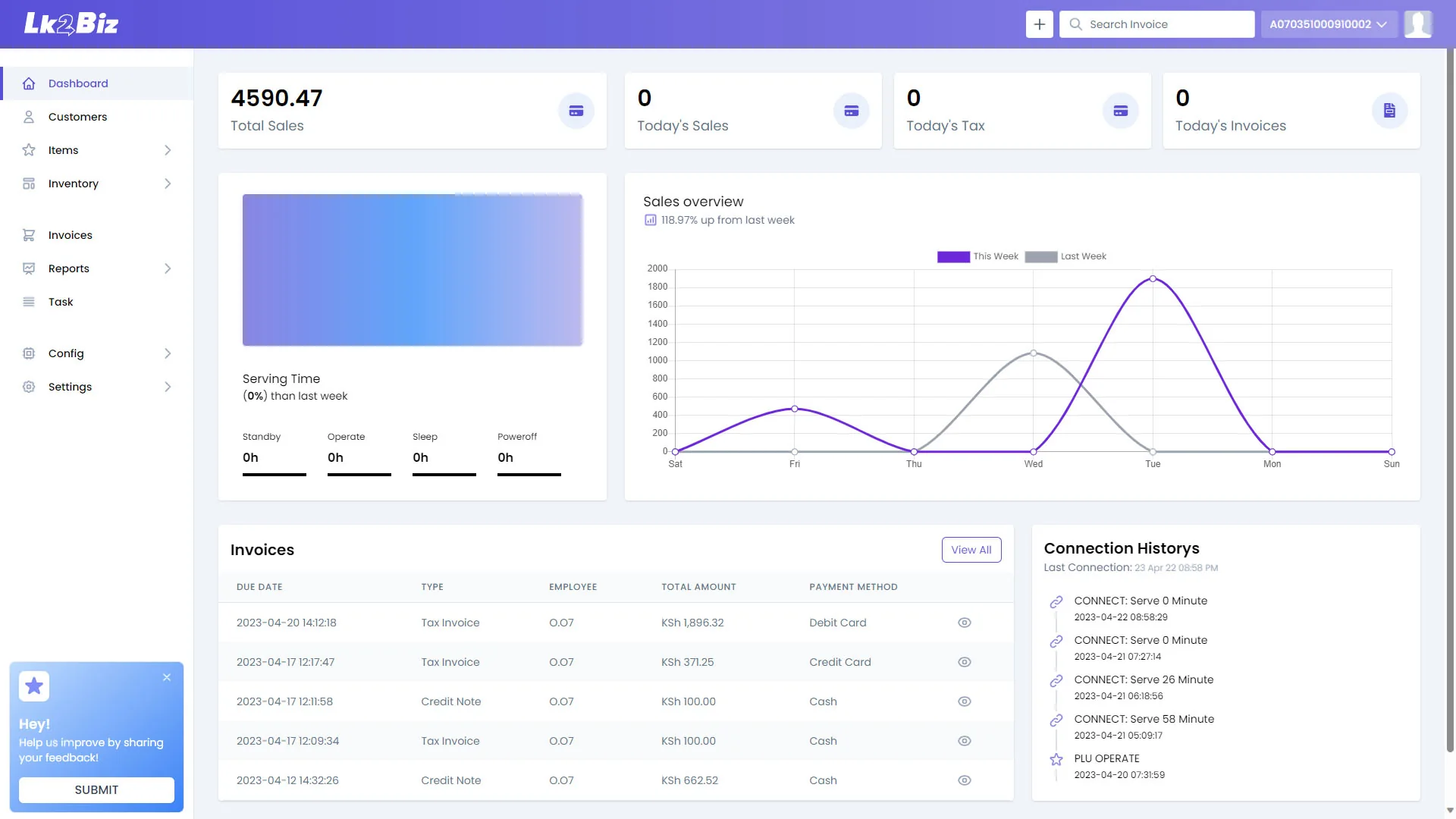
Business overview
From transaction to trend
Your business at a glance
Lk2Biz turns information from connected selling devices into a shared view of sales, products, stock and customers. Managers spend less time collecting updates and more time deciding what to do next.
See transactions, invoices, totals and sales history from your connected devices.
Manage the product information your team uses at the point of sale.
See current stock activity and decide what needs to be reordered or checked.
Keep customer records and buying history close to the rest of the business.
What you can see
Check what sold, what is running low and where the team may need help.
Open the dashboard for a quick view of current sales and business activity.
Follow stock levels and recent activity so the team knows what needs attention.
Use purchase history to understand what customers buy and how often they return.
Compare campaign activity with the sales results your team cares about.
Sales history & reporting
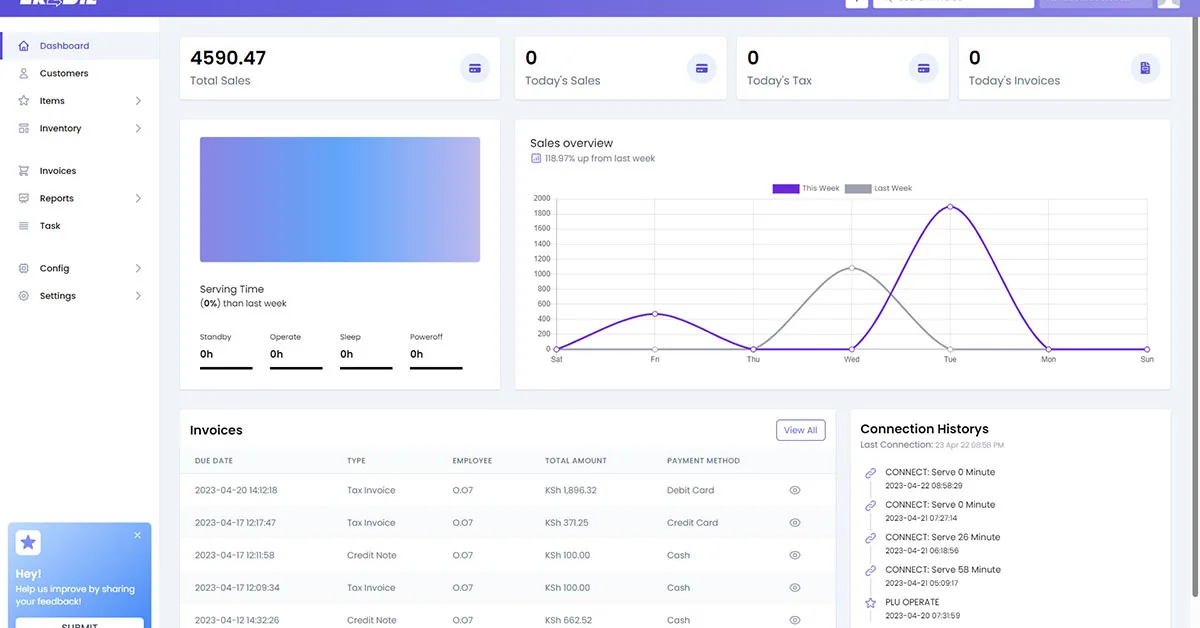
Review the latest results, open recent invoices and compare earlier periods without building a report from scratch.
Inventory visibility
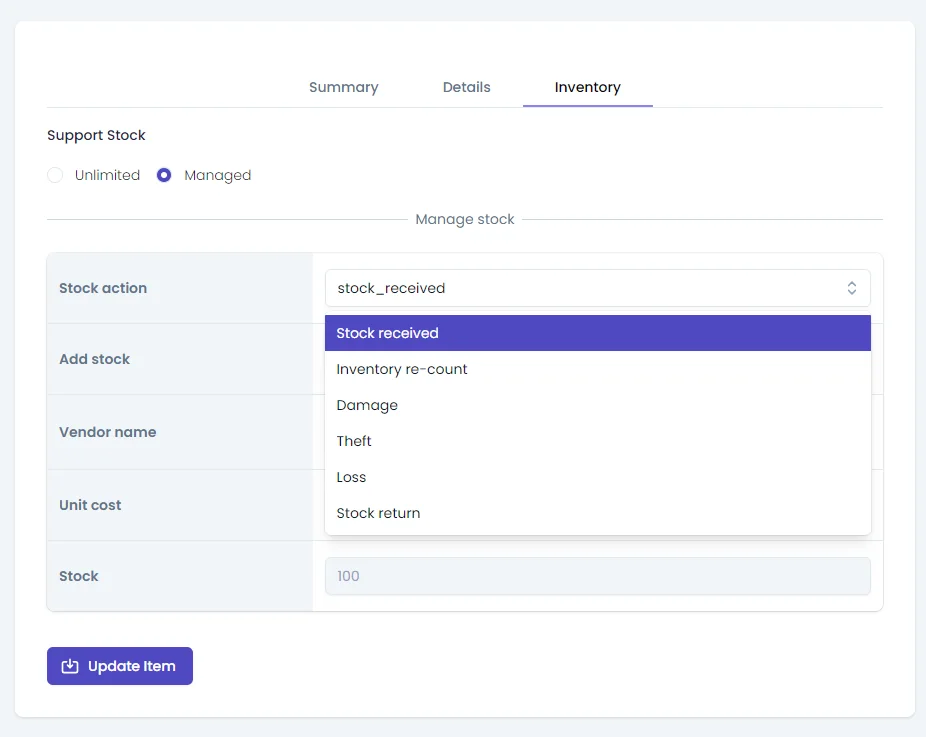
Review stock levels and recent activity in the same place as your sales information, so purchasing and follow-up decisions are easier to make.
Bring data in. Take useful reports out.
Import existing records, keep connected devices up to date and export CSV or XLSX files when your finance team needs them.
Keep Lk2Biz updated with the latest information generated by connected selling devices.
Bring existing product and customer records into the platform through flexible import options.
Export transaction data to your computer for deeper analysis or easy sharing with your finance team.
Access anywhere
Use a desktop for a detailed review, a tablet on the shop floor or a phone when you are away.
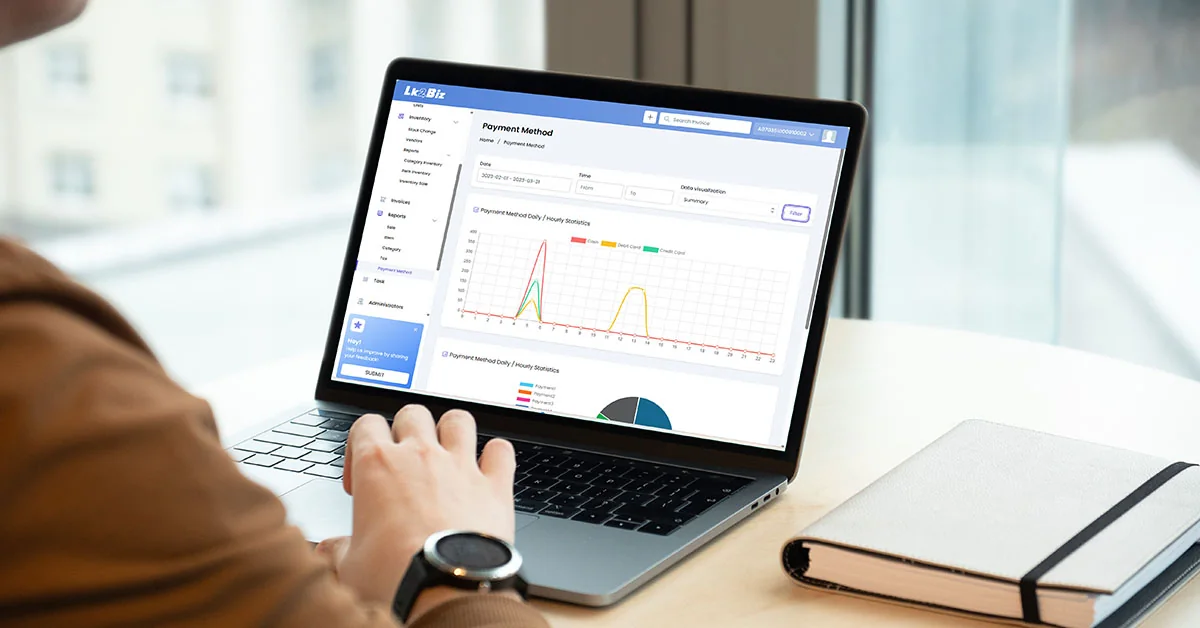
Review trends, reports and business performance on a larger screen.
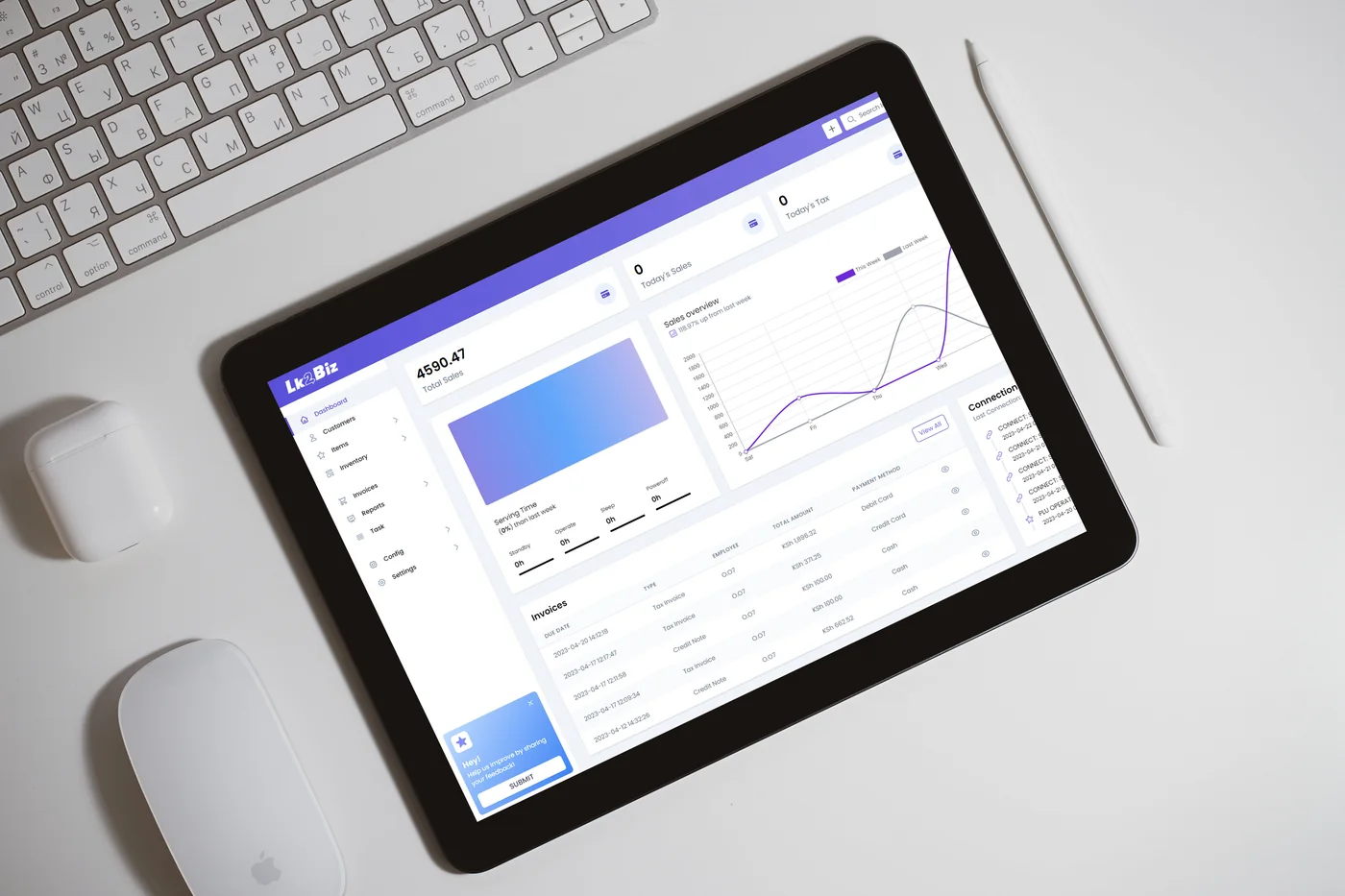
Keep current information close on a tablet.
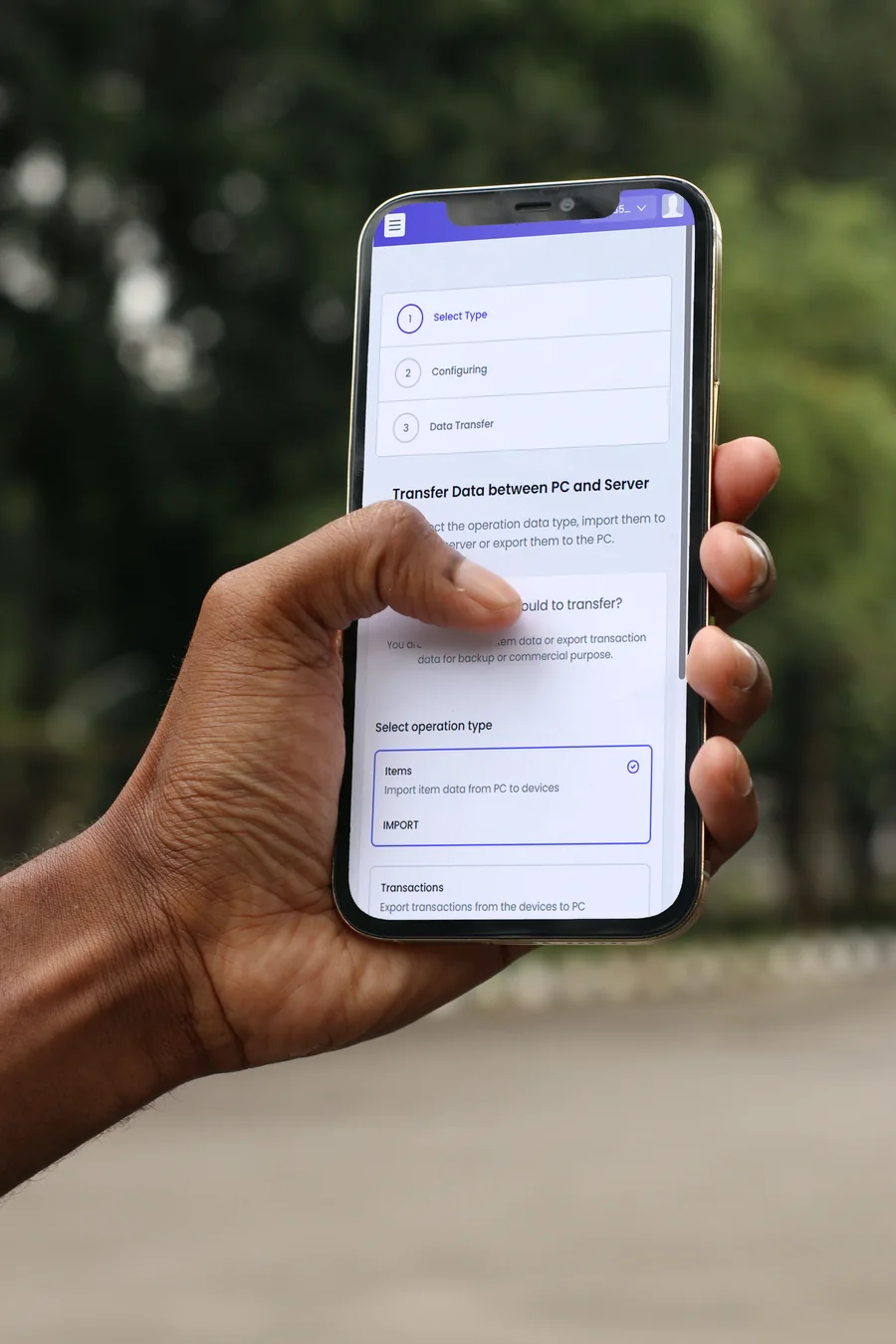
Check key information when you are away.
See your own business more clearly
Tell us what you want to track and which devices you use. We will show the reports and screens that are most useful to your team.